Introduction
An ethernet connection going in and out stems primarily from physical layer degradation, impedance mismatches, or electromagnetic interference affecting the twisted-pair medium. According to IEEE Electrical Safety Standards, maintaining structural and physical integrity within data transmission paths is mandatory to prevent signal attenuation and packet loss across local area networks. Systematic diagnosis requires evaluating physical connectors, inspecting termination quality, and cross-referencing Networking and Communication Wiring Diagrams to isolate transient faults. Technicians, electricians, and advanced DIYers must implement rigorous verification procedures using digital multimeters, cable certifiers, and time-domain reflectometers. Resolving link instability protects sensitive electronic infrastructure and ensures reliable, uninterrupted communication within residential, commercial, and mobile networks.
Wiring Technical Snapshot:
- Core Focus: Systematic diagnosis and resolution of an ethernet connection going in and out caused by physical layer faults.
- Target Scope: Residential, commercial, and vehicle-based data wiring networks inspected by technicians and DIY electricians.
- Key Recommendation: Always test cable continuity, termination standards (T568A/T568B), and shielding integrity before replacing active network hardware.
Core Principles and Detailed Overview
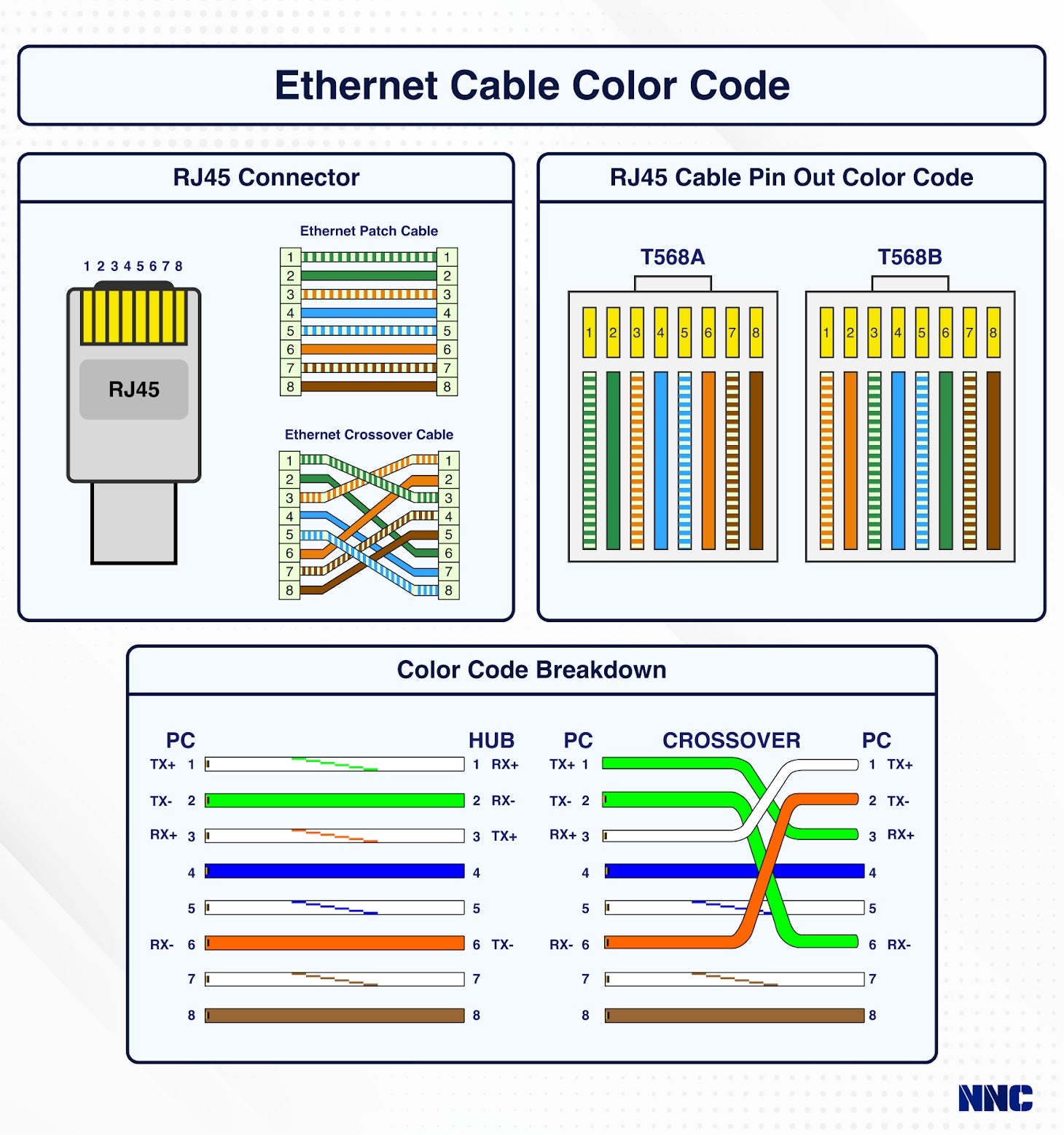
An ethernet connection going in and out is fundamentally a physical layer symptom triggered by excessive resistance, crosstalk, or improper grounding within copper cabling runs. Understanding data link behavior requires analyzing the interaction between network interface cards, RJ45 modular plugs, and bulk twisted-pair cable. When signal degradation exceeds tolerances defined in structured cabling standards, auto-negotiation fails, forcing the link to continuously drop and re-establish connection. Technicians must consult Wiring Diagram Basics to comprehend pinout configurations, signal pairs, and attenuation thresholds. Pinpointing the root cause involves isolating specific segments of the run, checking for localized pinching or crushing, and ensuring that high-voltage power lines do not run parallel to data cables without proper separation.
Key Specifications and Breakdown
| Circuit / Terminal | Standard Wire Color / Gauge | Operational Role & Safety Check |
|---|---|---|
| Transmit Pair (TX) | White/Orange & Orange (24 AWG Solid/Stranded) | Carries outgoing differential data signals; verify continuity and termination consistency via multimeter. |
| Receive Pair (RX) | White/Green & Green (24 AWG Solid/Stranded) | Carries incoming differential data signals; inspect for high resistance, shorts, or split pairs. |
| Shield / Drain Wire | Bare Copper with Drain (22-26 AWG) | Provides electromagnetic shielding against EMI; check continuity to earth ground to eliminate noise loops. |
Proper grounding and bonding of metallic communication shielding prevent hazardous potential differences and erratic data link drops. — National Fire Protection Association (NFPA). Related guide: Does Light Dimmer Switch Save Electricity.
Step-by-Step Practical Application and Guidelines
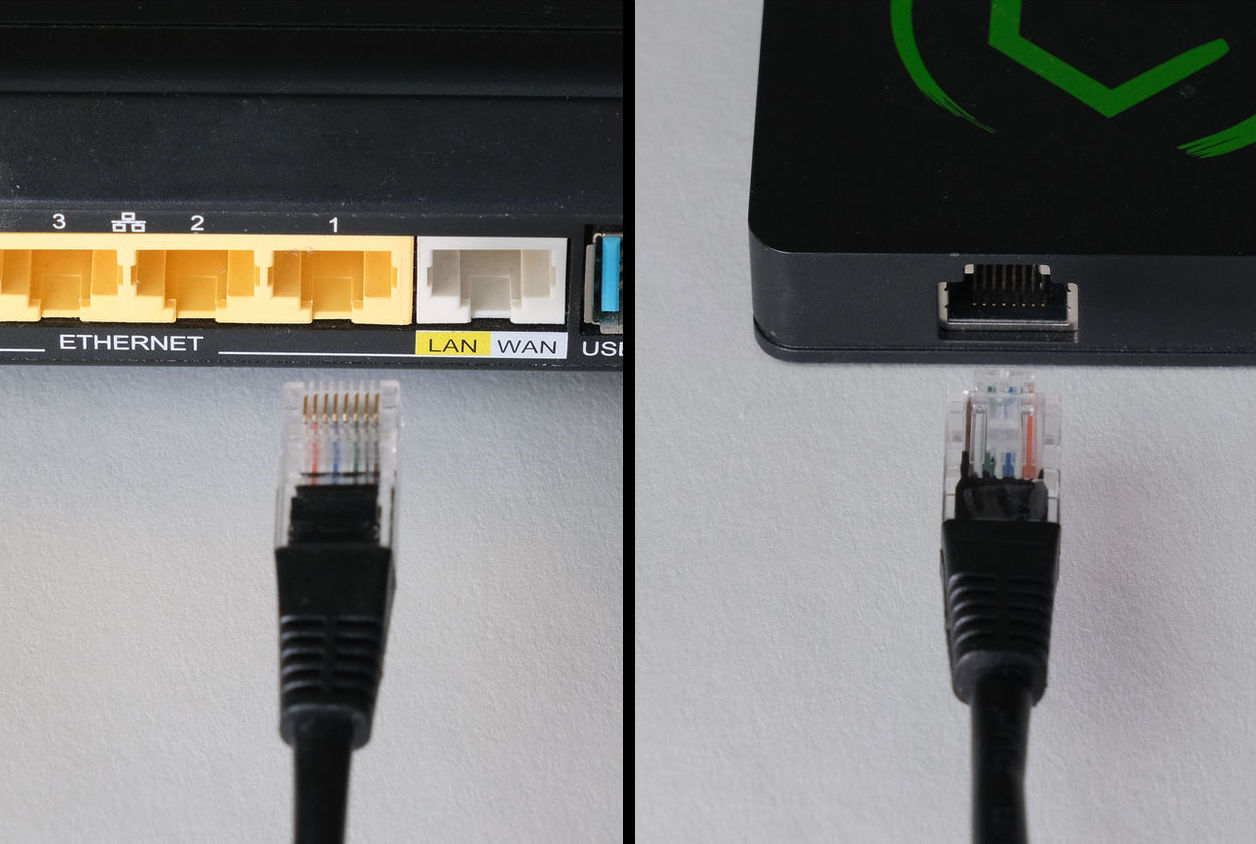
Diagnosing an ethernet connection going in and out demands a sequential, elimination-based testing methodology. First, perform a physical inspection of both RJ45 connector ends to ensure the locking tabs are intact and the gold contact pins show no signs of oxidation or corrosion. Second, utilize a dedicated cable tester to verify wiremap continuity, checking specifically for split pairs which cause high near-end crosstalk and intermittent packet drops. Third, inspect patch panels and keystone jacks for loose terminal connections, utilizing punch-down tools correctly to seat individual conductors. For comprehensive integration assessments, cross-reference complex layouts using General and Miscellaneous Wiring Diagrams. Finally, replace suspect patch cords with certified factory-made cables to rule out minor internal conductor fractures.
Common Challenges and How to Avoid Them
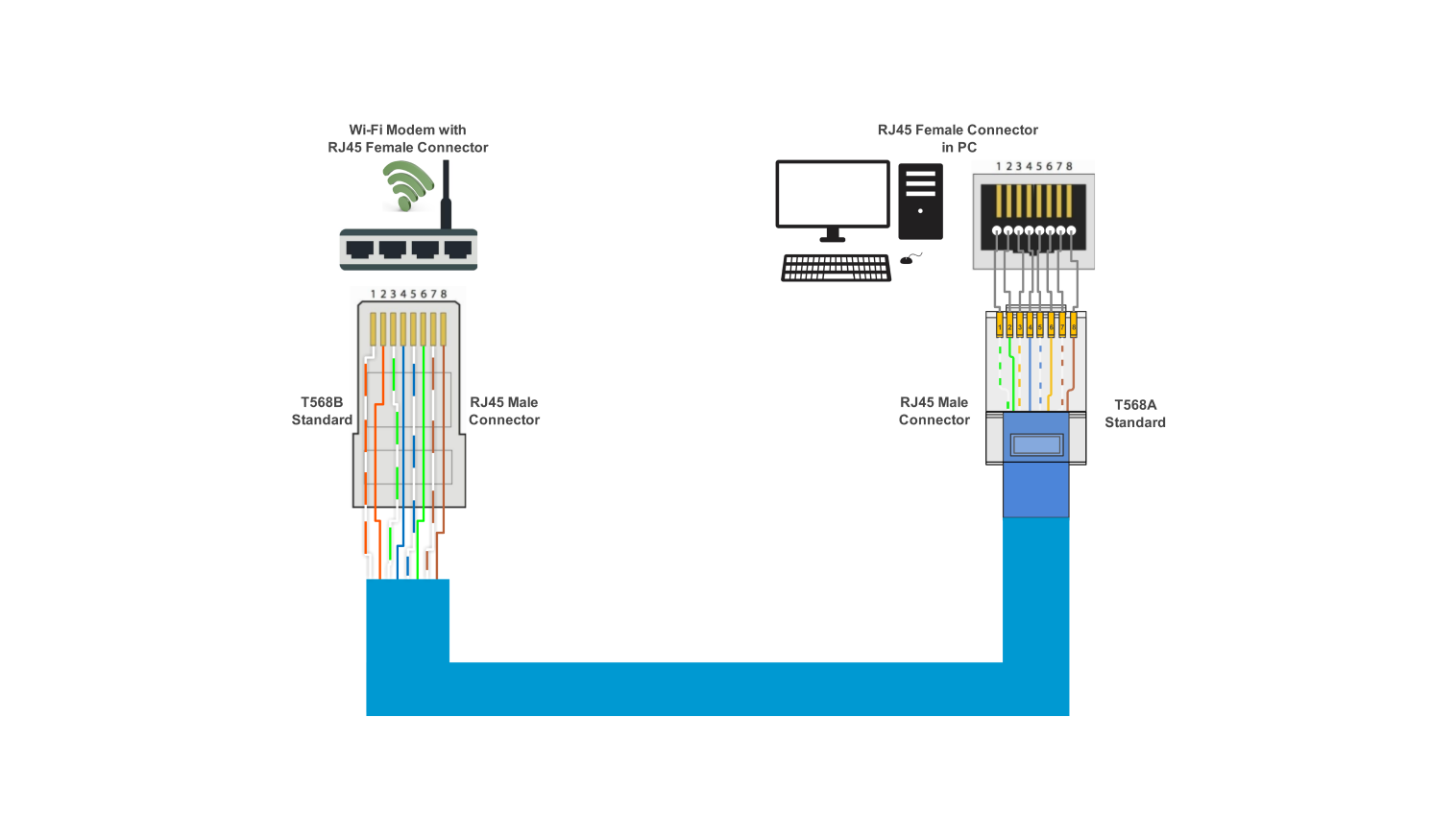
Overlooking hidden environmental factors and poor installation practices remains the most frequent challenge when troubleshooting unstable network drops. Avoid mixing T568A and T568B termination standards on opposing ends of the same permanent link, as mismatched pinouts degrade signal integrity. Prevent signal attenuation by never exceeding the maximum specified channel length of 100 meters for copper ethernet runs. When routing cables in environments containing high-current circuits, strictly maintain physical separation to avoid electromagnetic interference that mimics hardware failure. Reviewing specialized schematics such as Wiring Troubleshooting helps technicians recognize subtle failure patterns in complex installations.
💬 Frequently Asked Questions
Explore More Wiring Diagrams and Schematics on ReadWires
Mastering electrical diagnostics requires access to comprehensive, accurate schematics and documentation across automotive, residential, and industrial applications. Accessing structured resources at ReadWires.com equips technicians and DIY enthusiasts with the precise technical knowledge needed to troubleshoot complex networks, control systems, and power grids safely. Explore additional guides in categories such as Home Electrical Wiring Diagrams to elevate overall diagnostic proficiency.
Visual Reference Gallery