Introduction
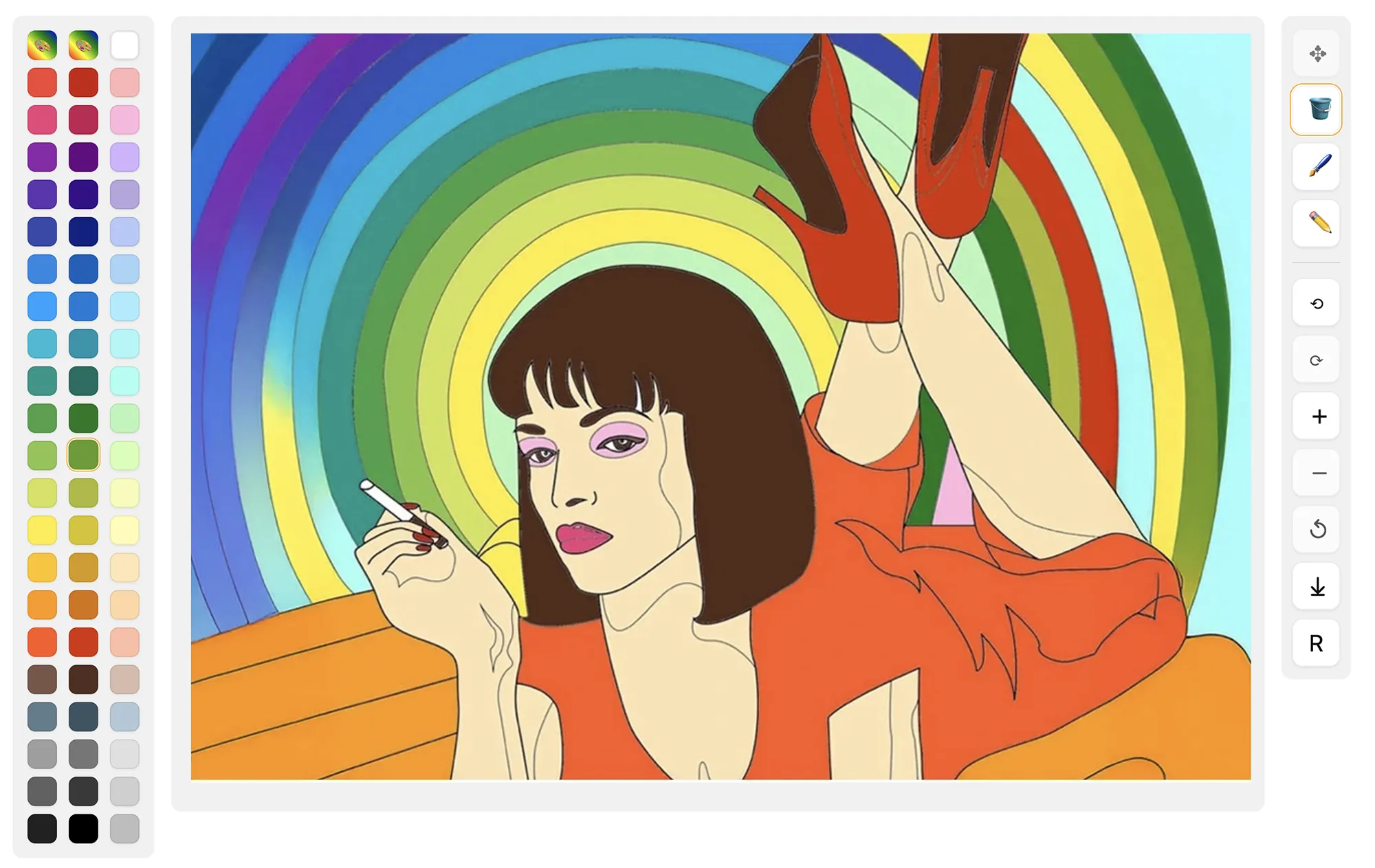
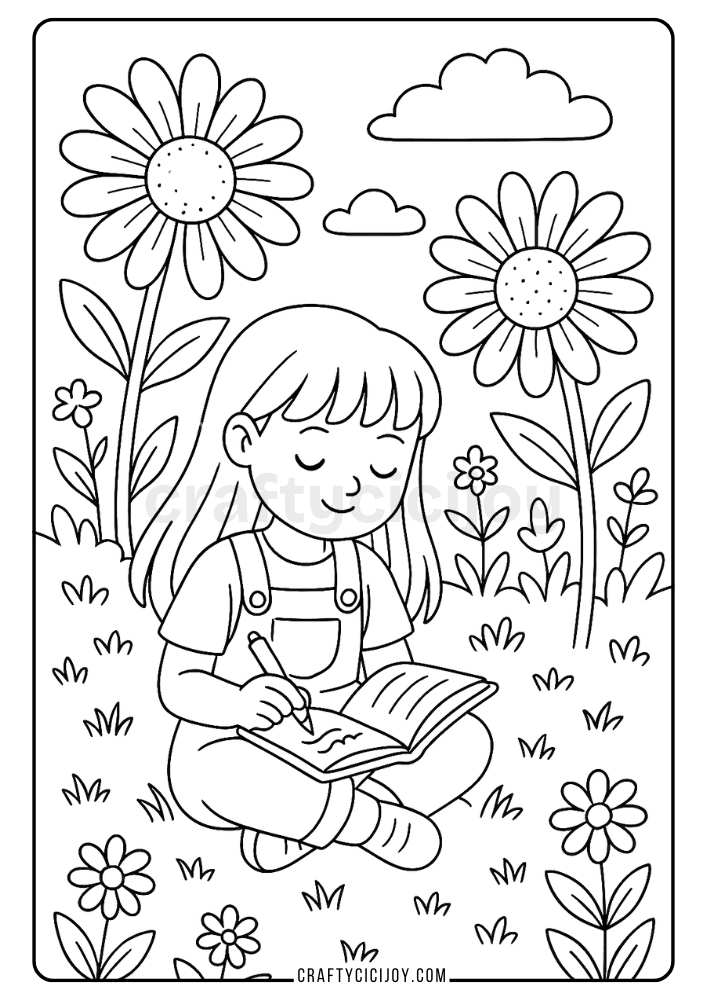
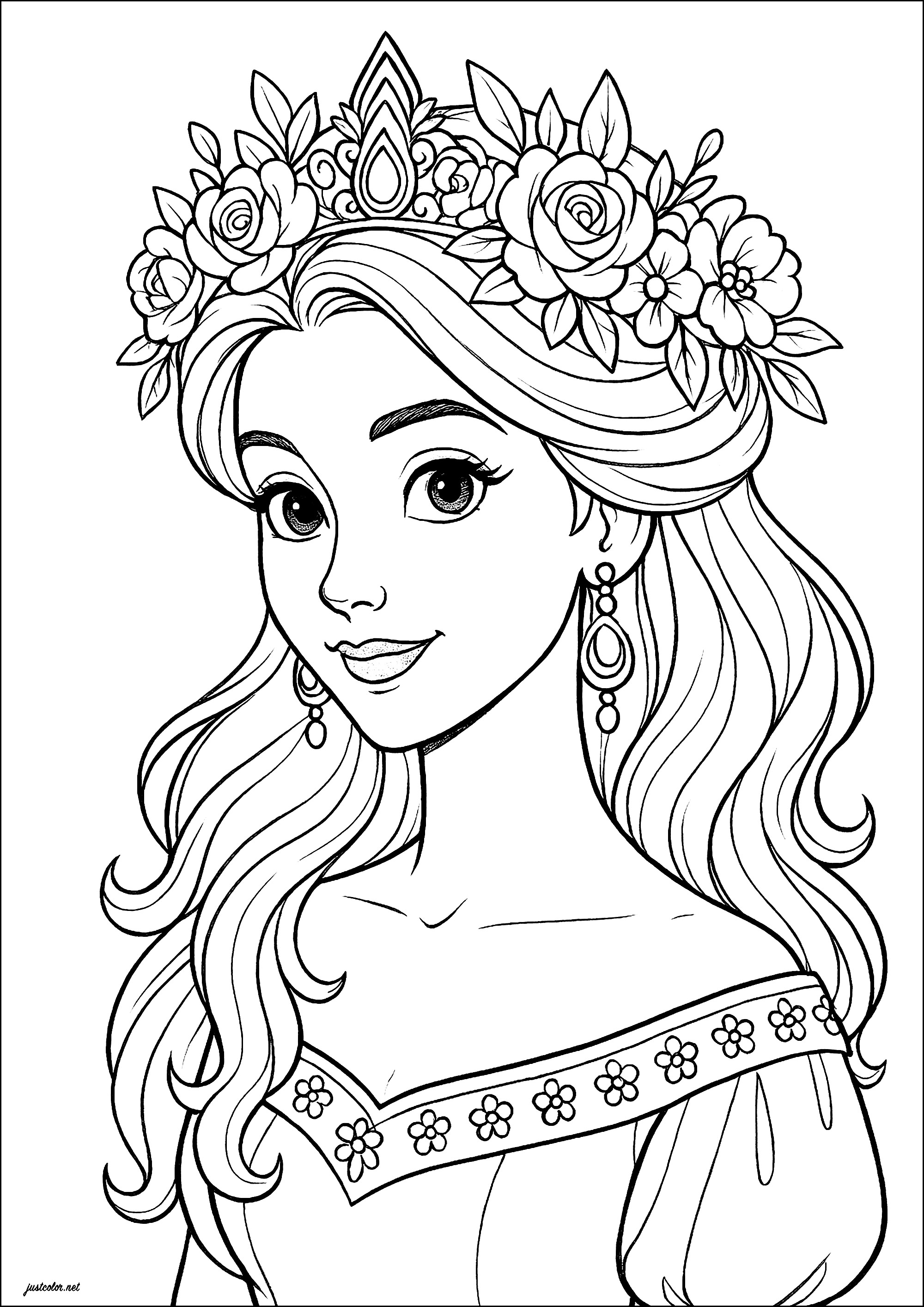
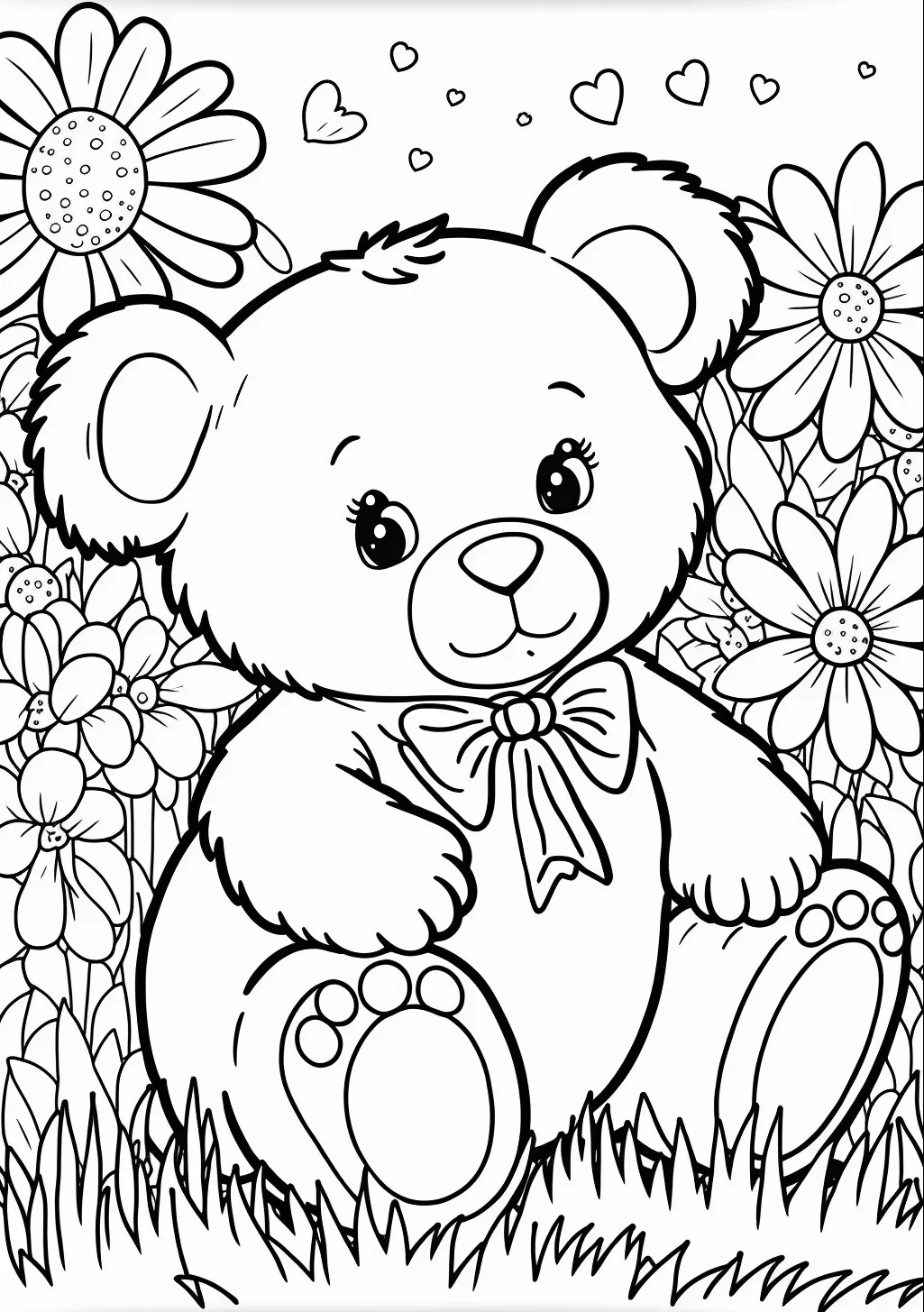
Coloring pages online refer to digital web-based applications and printable repositories that provide interactive or downloadable line art for artistic expression across school and home devices. According to the Family Online Safety Institute (FOSI), establishing clear digital boundaries for recreational web browsing ensures that routine browser-based activities remain secure, productive, and age-appropriate. Accessing unvetted art platforms can inadvertently expose school devices to tracker cookies, malicious pop-up advertisements, and unintended data harvesting. Educators, parents, and administrators must implement structured digital hygiene protocols when students navigate art portals, balancing creative screen time with rigorous network defense. Safe participation in browser-based art requires a thorough understanding of device permissions, secure URL verification, and proper classroom screen management to maintain a healthy digital footprint.
Digital Safety Snapshot:
- Core Focus: Security protocols for accessing digital art and coloring pages online.
- Target Scope: Educational environments, K-12 classrooms, and home device networks.
- Key Recommendation: Utilize verified, ad-free educational domains to eliminate digital risks.
Core Principles and Detailed Overview
Managing coloring pages online involves evaluating network security, preventing cyberbullying via shared gallery features, and preserving device hygiene during creative instructional sessions. Direct answer implementation requires schools to deploy content filters that block untrusted web domains offering unverified browser-based drawing tools. Many consumer-facing art websites monetize traffic through aggressive third-party ad networks, which can compromise student privacy through behavioral tracking and malicious script execution. Maintaining a secure digital citizenship framework means teaching middle school students to recognize secure HTTPS connections, avoid creating accounts on unnecessary external portals, and refuse requests for personal information in online community art boards. Administrative oversight ensures that digital tools support pedagogical goals without introducing vulnerabilities related to malware or unauthorized data collection.
Key Specifications and Breakdown
| Safety Pillar | Digital Risk Factor | Actionable Protective Habit |
|---|---|---|
| Device Hygiene | Malicious redirects and intrusive ad trackers | Restrict browsing to whitelisted educational Coloring Pages portals. |
| Data Privacy | Unauthorized collection of student metadata | Prohibit account creation and login requirements on free art sites. |
| Classroom Balance | Excessive screen time and distraction | Combine digital activities with hands-on physical Worksheets. |
Maintain rigorous firewall rules and domain filtering to protect institutional networks from browser-based third-party tracking scripts. — Cybersecurity & Infrastructure Security Agency (CISA)
Step-by-Step Practical Application and Guidelines
Implementing safe access to coloring pages online requires a systematic operational workflow for educators, IT administrators, and supervising adults. First, conduct a thorough security audit of any digital art platform before introducing the resource into a lesson plan or home routine. Second, disable third-party cookies and enable strict browser privacy settings on all student-facing tablets and laptops to mitigate tracking risks. Third, leverage resources found within Internet and Digital Safety modules to educate students on recognizing fraudulent download prompts disguised as free image assets. Fourth, establish clear classroom boundaries regarding screen time allocation, ensuring that digital art sessions alternate with offline learning intervals to maintain healthy physical posture and cognitive focus. Finally, report any suspicious site behavior or unexpected pop-ups immediately to the institutional IT department.
Common Challenges and How to Avoid Them
Preventing security breaches while browsing coloring pages online centers on mitigating hidden trackers, accidental malware downloads, and inappropriate community interactions. Unvetted art websites frequently utilize deceptive download buttons that install unwanted software or browser extensions instead of delivering simple image files. Administrators counteract this vulnerability by enforcing enterprise-grade web filters that block direct executable downloads on school-issued hardware. Furthermore, interactive web platforms featuring public comment sections or digital art galleries expose children to potential cyberbullying and peer-to-peer harassment. Educators must restrict students to read-only or closed-loop digital environments where public communication features are entirely disabled, reinforcing core lessons detailed in Online and Digital Safety curricula.
💬 Frequently Asked Questions
Explore More Kids Safety and Digital Citizenship Guides on SafeWiredSchools
Comprehensive resources, actionable instructional frameworks, and ongoing updates regarding student digital protection remain accessible directly through the core library at Safe Wired Schools. Empowering educational communities with verified best practices ensures a secure, balanced, and productive digital experience for every learner.
Printable Coloring Page Previews