Introduction
Establishing an ethernet connection for laptop operations provides a stable, zero-latency physical link essential for reading complex electrical schematics, flashing automotive control modules, and executing diagnostic procedures without wireless interference. According to SAE International, reliable physical data layer standards ensure uncorrupted packet transmission when communicating with sensitive vehicle network architectures and stationary testing hardware. Modern diagnostic laptops lacking built-in RJ45 ports require robust USB-to-Ethernet adapters or docking stations to interface directly with modern diagnostic gateways, programmable logic controllers, and home networking distribution panels. Utilizing hardwired data paths eliminates packet dropouts during lengthy vehicle module re-flashing sessions or comprehensive electrical circuit analysis.
Wiring Technical Snapshot:
- Core Focus: Hardwired data transfer optimization using an ethernet connection for laptop setups.
- Target Scope: Automotive diagnostic bays, industrial control floors, and residential troubleshooting terminals.
- Key Recommendation: Always verify cable shielding integrity and termination standards before executing high-speed data logging.
Core Principles and Detailed Overview
An ethernet connection for laptop diagnostics bypasses wireless attenuation by utilizing twisted-pair copper cabling governed by IEEE 802.3 Ethernet standards. When analyzing intricate Vehicle Wiring Diagrams or reviewing live data streams from engine control units, maintaining consistent packet flow prevents interrupted diagnostic sessions and potential module bricking. Hardwired networking relies on differential signaling across twisted copper pairs to cancel out electromagnetic interference generated by high-voltage ignition coils, alternator charging circuits, and heavy industrial machinery motors. Technicians must understand the distinction between straight-through patch cables used for switch connections and crossover configurations required for direct peer-to-peer module programming.
Key Specifications and Breakdown
| Circuit / Terminal | Standard Wire Color / Gauge | Operational Role & Safety Check |
|---|---|---|
| Data Transmit (TX+) | White/Orange (24 AWG) | Carries differential positive transmission data; verify continuity with a digital multimeter. |
| Data Receive (RX+) | White/Green (24 AWG) | Carries differential positive incoming signals; inspect RJ45 pin crimps for oxidation. |
| Shielding Drain Wire | Uninsulated Bare Copper (26 AWG) | Drains electromagnetic interference to chassis ground; check for low-resistance ground path. |
Proper grounding and Cat6/Cat6A shielding practices mitigate electromagnetic interference (EMI) in harsh automotive and industrial environments, ensuring faultless diagnostic data transmission — National Fire Protection Association (NFPA)
Step-by-Step Practical Application and Guidelines
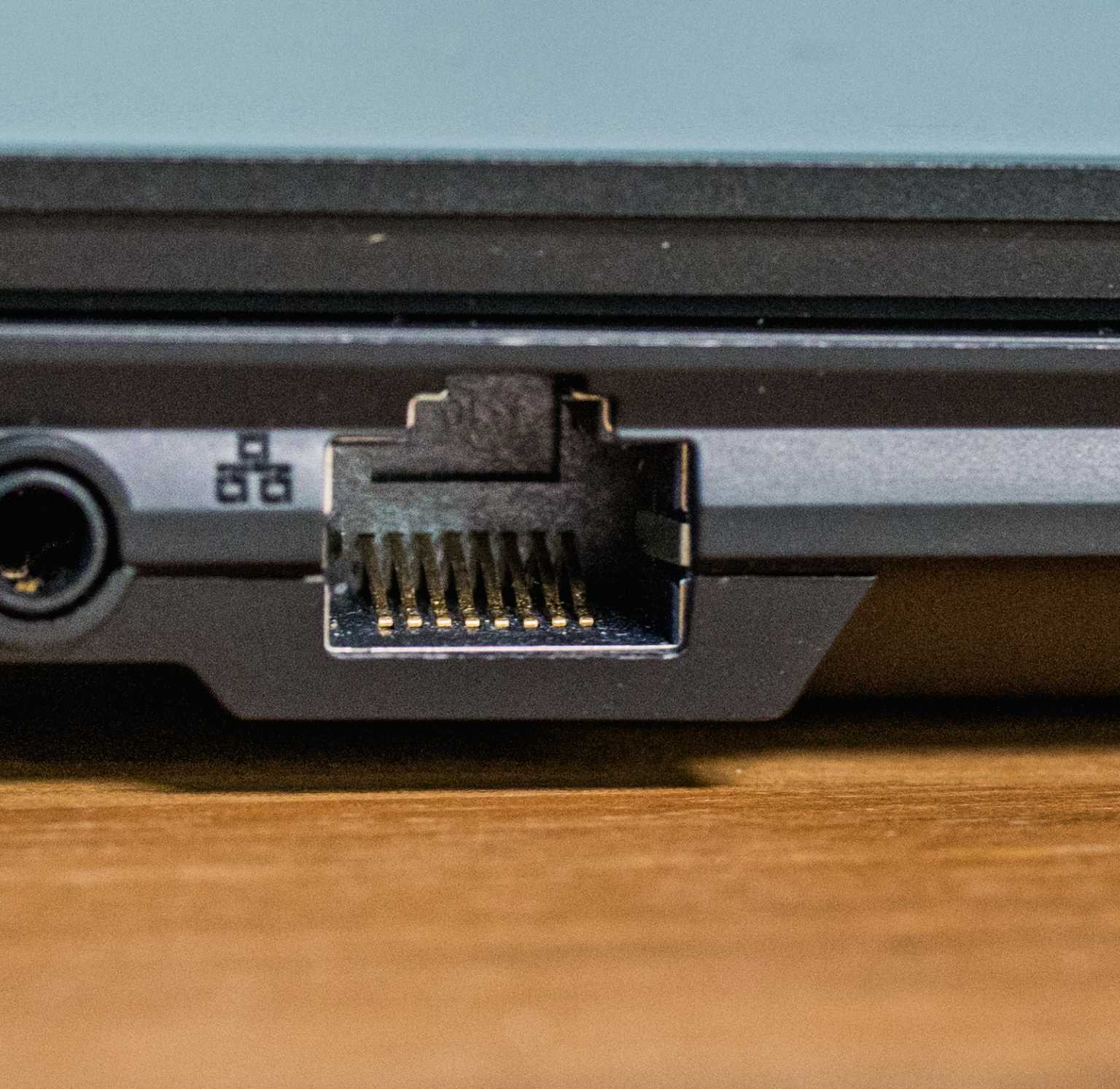
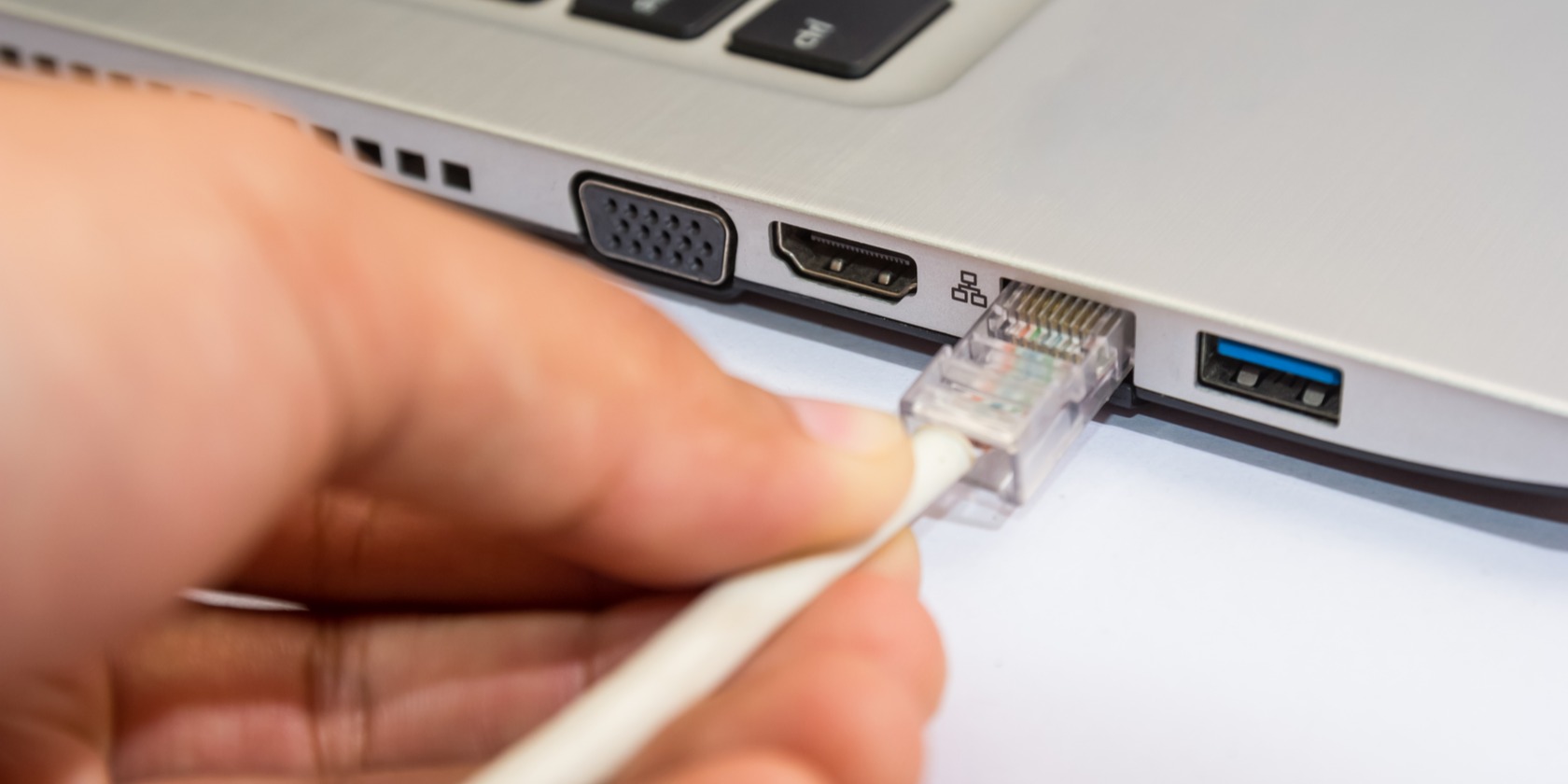
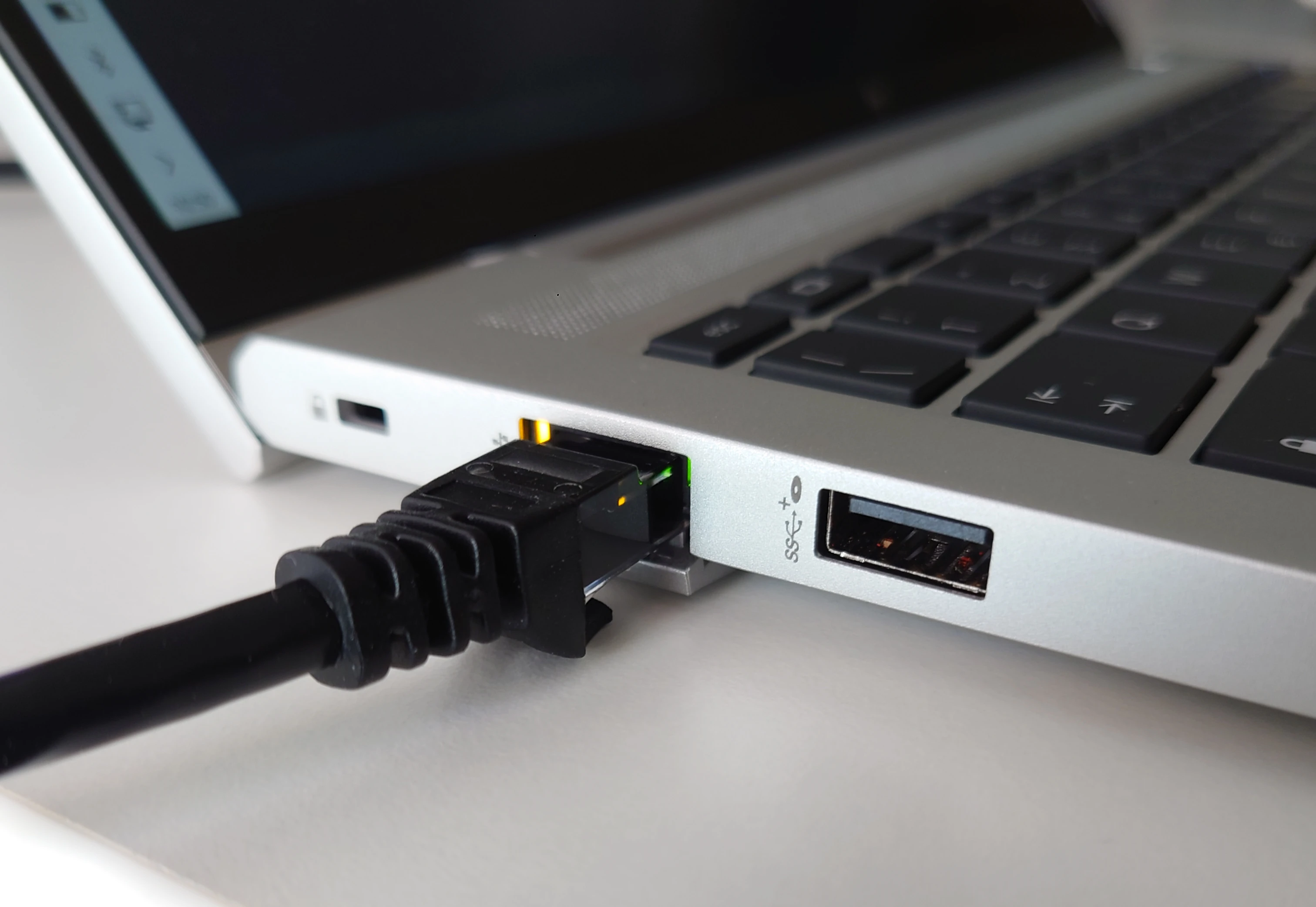
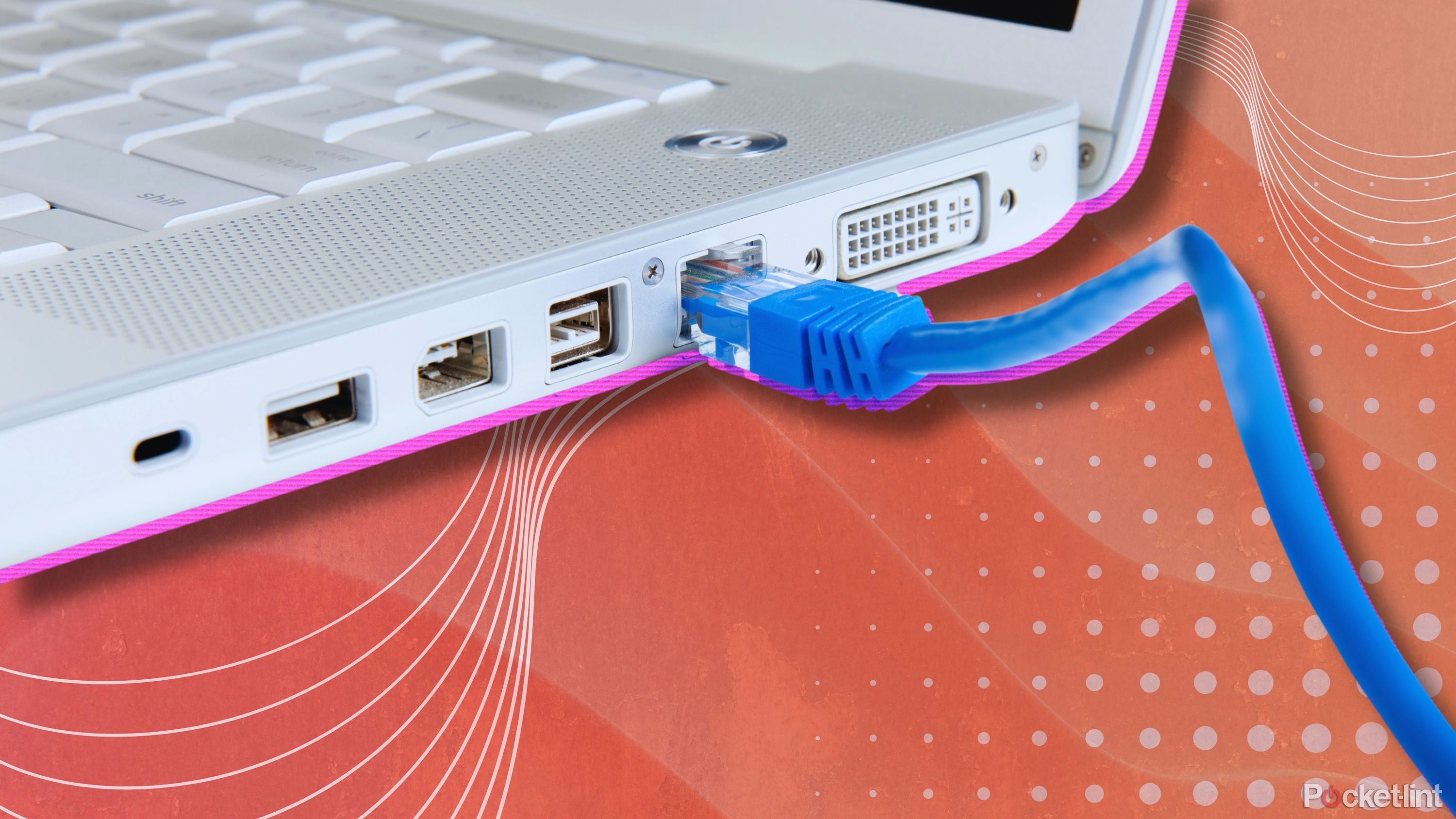
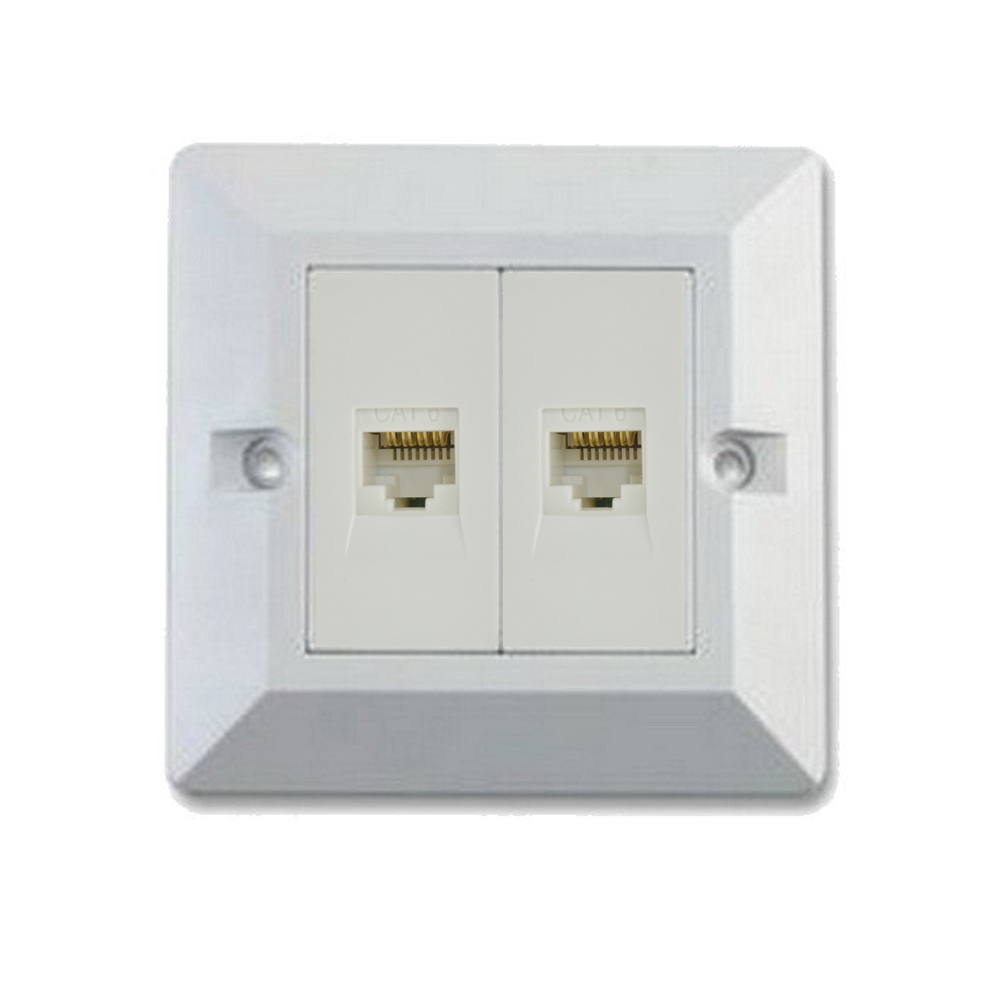
Configuring a reliable ethernet connection for laptop hardware requires systematic physical inspection and network adapter configuration. Begin by examining the physical RJ45 port on the computer or adapter for bent spring pins, lint accumulation, or moisture contamination that could compromise circuit resistance. Connect a certified Category 6 shielded twisted-pair cable between the laptop adapter and the target network switch, router, or vehicle communication interface module. Access the operating system network adapter settings to assign a static Internet Protocol (IP) address matching the subnet of the connected diagnostic hardware or programmable logic controller. Verify physical link status by observing the integrated link and activity light-emitting diodes on the adapter port before launching heavy diagnostic software suites or reviewing detailed Home Electrical Wiring Diagrams.
Common Challenges and How to Avoid Them
Intermittent dropouts and connection failures during diagnostic procedures frequently stem from improper cable routing near high-current DC power lines or ungrounded shield drains. When routing data lines alongside heavy-gauge battery cables or AC supply mains, induced magnetic fields corrupt high-frequency digital packets, leading to dropped diagnostic sessions. Technicians should inspect physical terminations for split pairs, verify that cable bend radii exceed manufacturer minimums to prevent internal conductor fracturing, and utilize managed switches when diagnosing complex multi-node communication loops found in modern Networking and Communication Wiring Diagrams.
💬 Frequently Asked Questions
Explore More Wiring Diagrams and Schematics on ReadWires
Mastering physical data links ensures accurate diagnostic execution across complex electromechanical platforms. Expand technical proficiency by examining comprehensive schematics and diagnostic guides hosted within the central repository at ReadWires.com, covering everything from fundamental Wiring Diagram Basics to advanced troubleshooting protocols.
Visual Reference Gallery